Shifts and cash control
Close every shift knowing where the cash is.
Each till shift starts with a counted float and ends with a counted drawer. Ordrova works out what should be there and flags any difference, on the till and in the office.
Expected vs counted
Float plus cash sales and cash in, minus cash out, against what was counted.
X and Z reports
Print a running X report any time and a Z report at close.
Office view
Every shift, with sales, voids, refunds, discounts and differences, in one list.
What's included
Included
- Cash in and out with a reason
- Voided sales counted apart
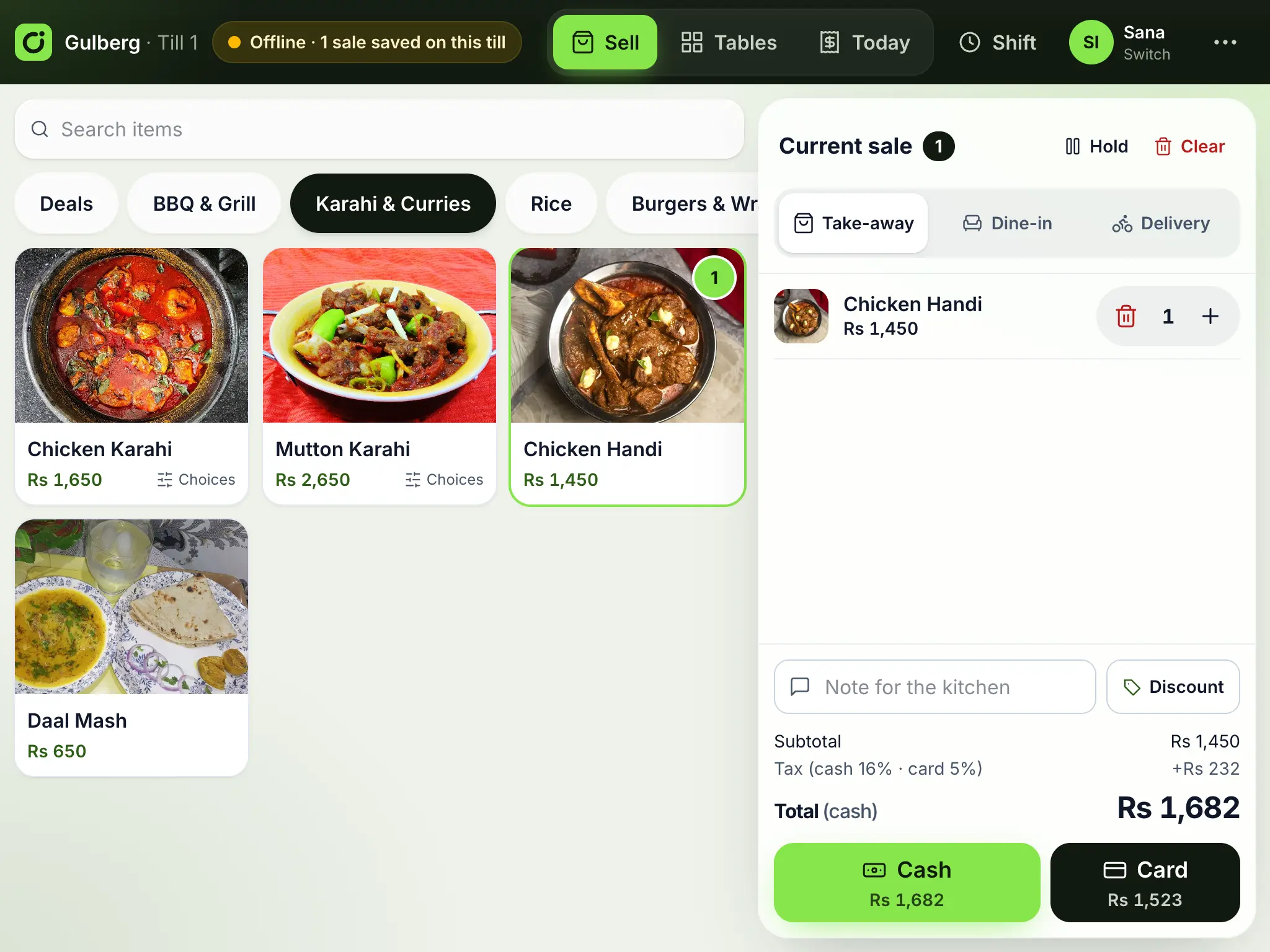
- Sales still waiting to sync shown on the shift
- Works offline
What if a till was offline at close?
The shift closes on the till as usual. The office report fills in as the till's sales arrive and shows how many are still on the till.
Works well with
- Point of sale (works offline)A fast counter till for tablets and PCs that keeps selling when the internet drops, and syncs when it is back.
- Reports and analyticsSales by day, hour, channel, payment, branch, staff and item, best and slow sellers, a heat map of where orders come from, tax by rate and cash, exported to Excel.
- Inventory and recipesRecipes for every dish, stock per branch that every sale uses up, low-stock alerts, purchase orders and transfers between branches.
See Ordrova run your restaurant
A 30-minute walkthrough with your menu: counter, kitchen, online ordering and reports.