Reports and analytics
The numbers you need, the morning after and at month end.
See how every branch is doing at a glance, and export the detail your accountant asks for.
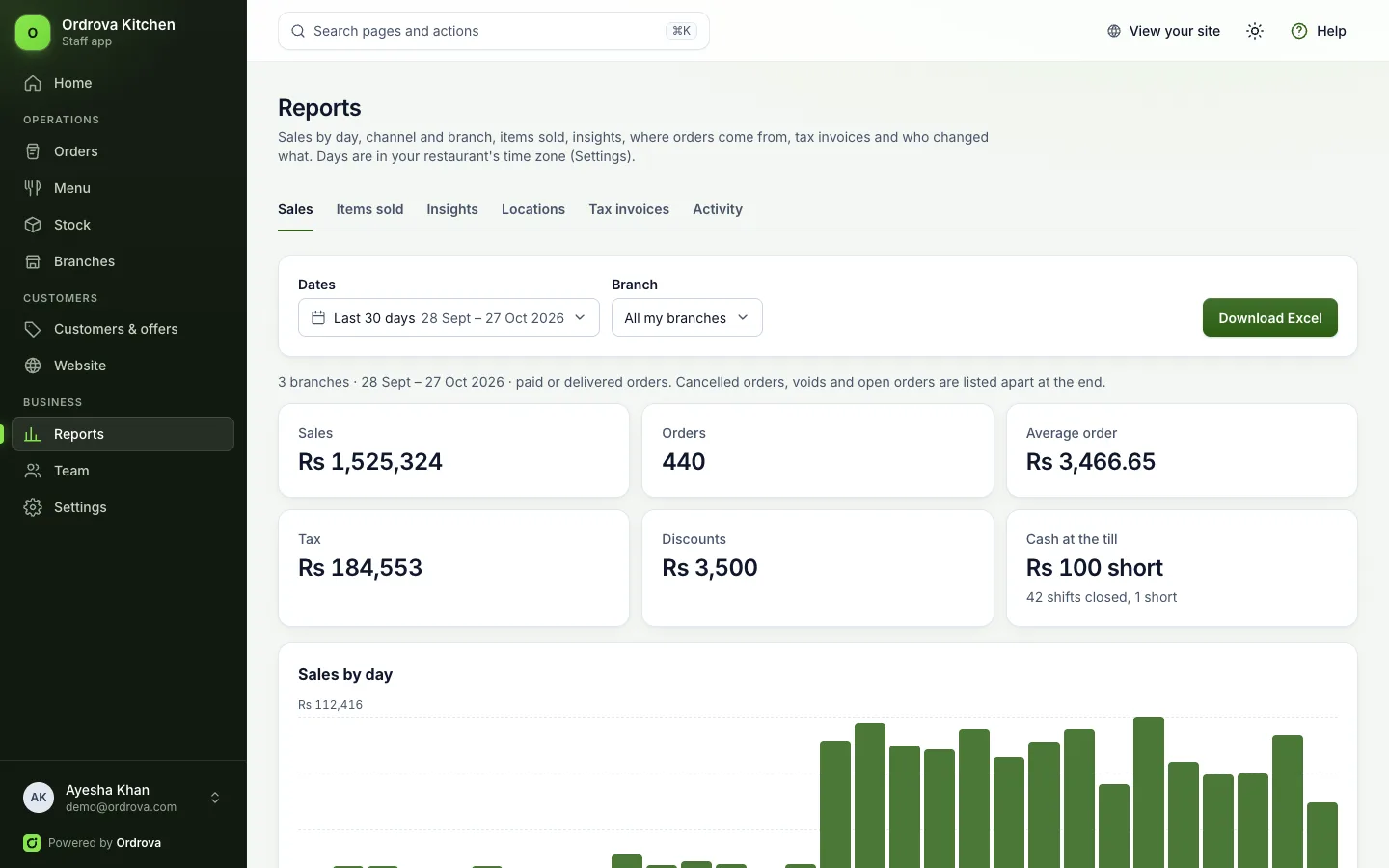
Sales report
By day and hour, channel, payment method, order type, branch, staff member and item.
Tax-ready
Taxable amount and tax by rate and by cash or card, for returns.
Excel in one click
Every section as its own sheet, numbers kept as numbers.
Where orders come from
A heat map of delivery orders, and each area's orders, average order and best seller.
Insights
Best sellers and what is rising or falling, slow sellers, what is ordered together, the busiest times and returning customers.
What's included
Also included
- Home with today's sales, a two-week trend and every branch at a glance
- Items sold: quantity and sales for every item
- Items often ordered together, for combo deals
- Busiest day and hour of the week
- New and returning customers, and your top customers
- Tax invoices with their status, and a retry for any the authority didn't accept
- Activity: who signed in and what was changed
- Voids, cancellations and open orders listed apart
- Till cash differences by shift
- Promo code and manager discount totals
Which time zone do reports use?
Your restaurant's own time zone, Pakistan time unless you choose another in Settings. Days run midnight to midnight there, and the whole staff app shows times in it.
How does the order heat map know where customers are?
From the location customers share at checkout, rounded to about 100 metres, so it shows streets, not homes. Every delivery order also counts under the delivery area it was placed for.
Works well with
See Ordrova run your restaurant
A 30-minute walkthrough with your menu: counter, kitchen, online ordering and reports.