Kitchen display
Every order, in the right order, on one screen.
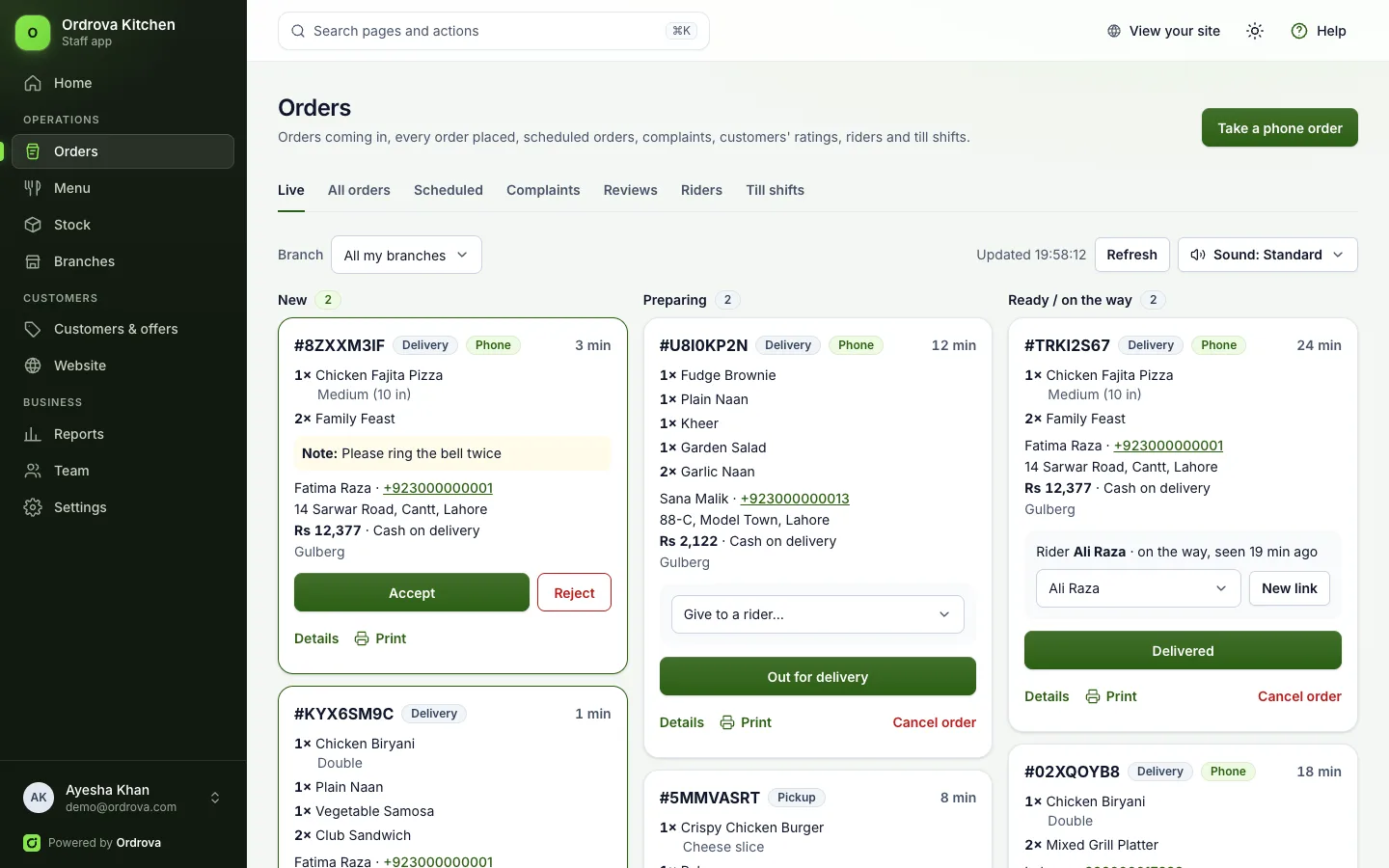
Online, phone and counter orders land on one live board, oldest first. The kitchen moves them along with one tap, and every change is recorded.
One queue
Online, phone and POS orders together, by stage: new, preparing, ready, out for delivery.
One tap
Accept, mark ready, dispatch or complete. Only the moves that make sense are offered.
Clear tickets
Options and notes on every item, rounds of a table's tab grouped, and late orders highlighted.
What's included
On the board
- Live updates without refreshing
- Sound alert for new online orders, on every page of the staff app, not only the board
- Accept each online order yourself, or let orders for right away go straight to the kitchen
- Rejecting or cancelling asks for a reason
- Status history on every order: who, when and why
- See where online orders came from (Instagram, Facebook, Google, QR codes, the app) and which campaigns brought them
- Customer complaints worked through to the end: category, priority, the branch handling it, status from new to resolved, and the time to resolve, with an Excel download
- Car-hop customers who tap I'm here show as Outside now, with their car
- Customers rate delivered orders with stars and a comment, and get a reminder by email and notification a day later; reply to them, and see the average per branch
- Move an order placed at the wrong branch to the right one, with its stock and payment
- Kitchen tickets printed per station, for kitchens that prefer paper
Every order, findable
- Search by order number, name or phone
- Filter by branch, city, delivery area, status, payment and where the order came from
- See the orders running late right now
- Download the filtered list to Excel
Can I run it on a TV or tablet in the kitchen?
Yes. The board runs in any modern browser, full screen.
Works well with
See Ordrova run your restaurant
A 30-minute walkthrough with your menu: counter, kitchen, online ordering and reports.