Discounts and promo codes
Promotions that bring customers back without leaking margin.
Create promo codes with the rules you need and run them online and at the counter. Ordrova checks every rule on the server and counts every use.
Rules that hold
Dates, minimum order, branches, items, order type, total and per-customer limits.
Online and in store
The same codes work on your website and at the till, also offline.
Manager discounts
A percentage or a fixed amount off at the till, with a reason and a manager's PIN, reported by approver.
What's included
Details
- Percentage or fixed amount
- Item-limited codes discount just those items
- Limits enforced even when many customers order at once
- Discount totals in shift and sales reports
Sales on items
- A percentage off chosen items for the dates you set
- Customers see the sale price on your website, in the app and at the till
- A sale never raises a price, and ends by itself
Your customers
- Everyone who ordered, with their orders and what they spent
- Repeat rate, retention and average order value, and segments: new, one-time, repeat, frequent, VIP, dormant and never ordered
- Add a customer by hand, for regulars who order by phone or at the counter
- Import your customer list from another platform, with their loyalty points and wallet balances
- Search by name, phone or email, and download the list as a spreadsheet
- Each customer's orders and points history
- Block a customer who places fake orders: online payment only, or no orders online, with a reason your team sees
Offers on your website
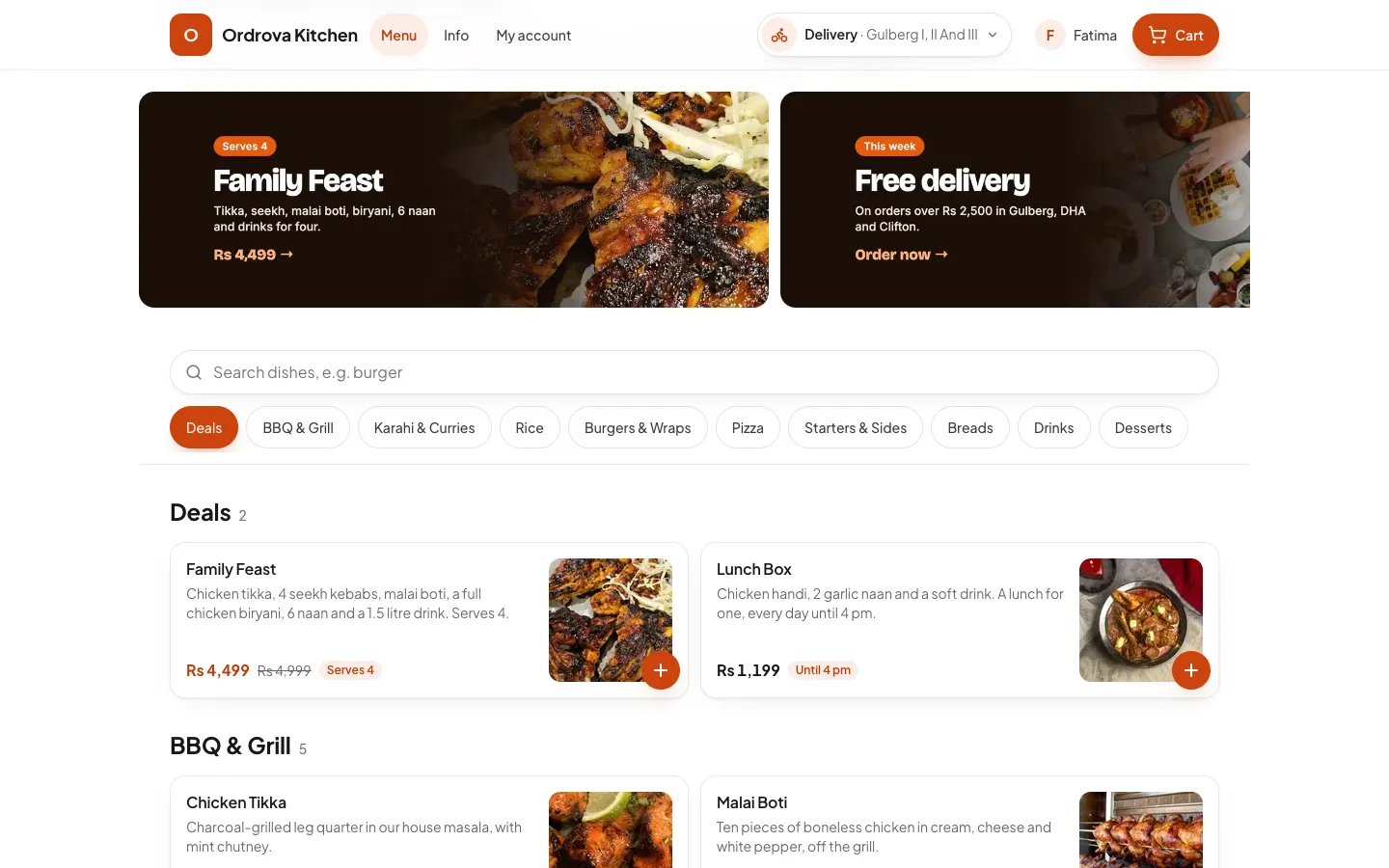
- Banners with your own images above the menu, each linking to an item or a category
- A popup offer with an image, text, a button and a promo code to copy, shown once to each visitor and never at checkout
- A notice at the top of every page, which can end by itself at a set time
- All scheduled per branch: they appear and disappear on the dates you set
Loyalty points
- You set what earns a point and what a point is worth, for example 1 point for every Rs 20 spent, worth Rs 1 off
- Points are earned on each delivered order; customers see their balance and spend it at checkout on your website and in the customer app
- Points come back automatically if an order is cancelled or rejected
- Every point earned, spent and returned is in the customer's history in your back office
Can one code work across branches?
Yes. Choose all branches or only some.
Will the offer popup annoy my customers?
Each visitor sees it once. It waits a moment after the page opens, closes with one tap, and never appears while they pay or track an order.
Can customers spend more points than they have?
No. Ordrova checks the balance on the server when the order is placed, so the same points can't be spent twice, even from two phones at once.
Works well with
- Online ordering websiteYour own branded ordering site: menu, options, delivery or pickup, scheduled orders and secure checkout.
- Reports and analyticsSales by day, hour, channel, payment, branch, staff and item, best and slow sellers, a heat map of where orders come from, tax by rate and cash, exported to Excel.
See Ordrova run your restaurant
A 30-minute walkthrough with your menu: counter, kitchen, online ordering and reports.